
Powerful Yet Easy

The Best RIP For All
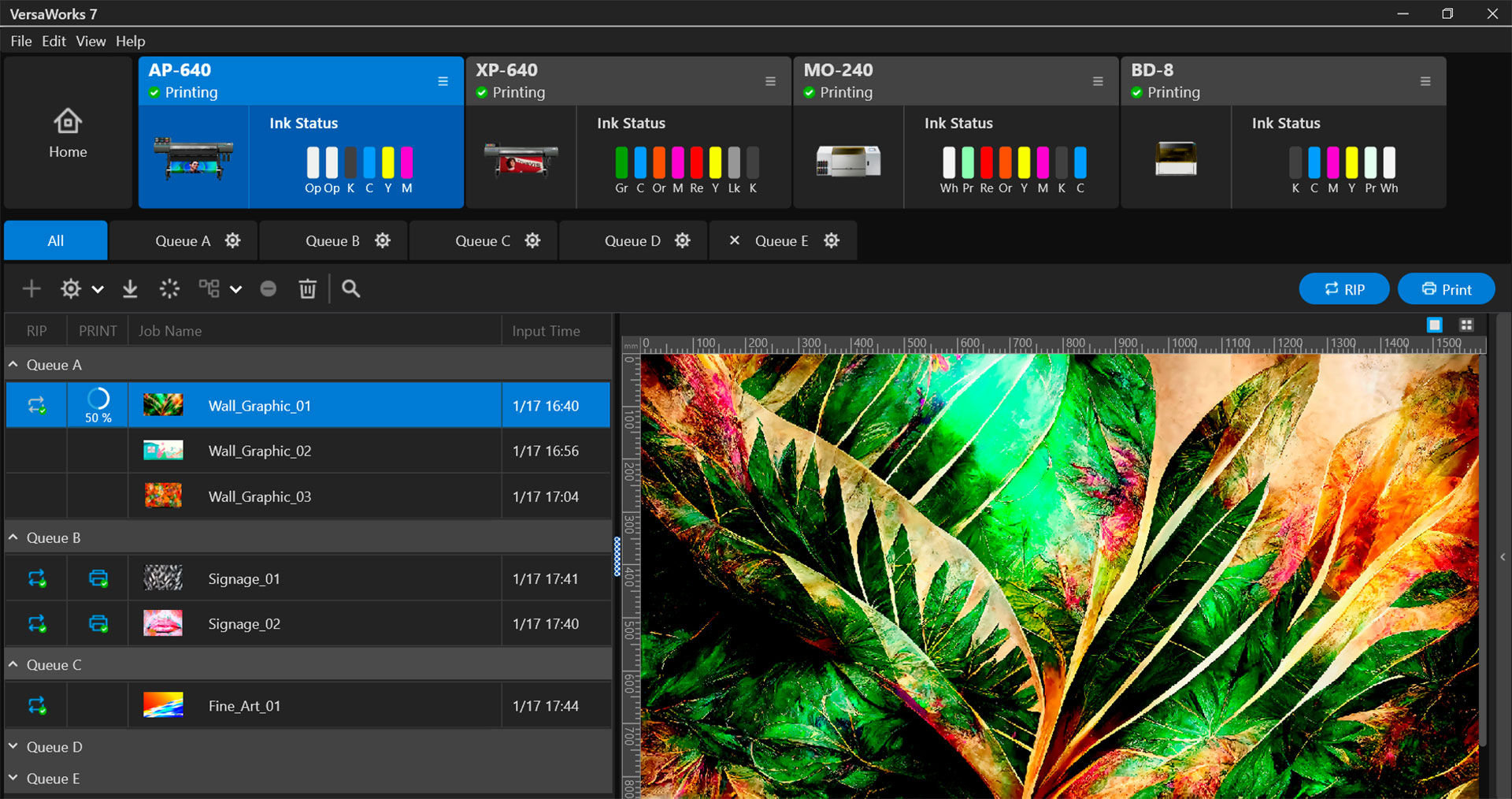
From printing professionals to even those with little or no printing experience, with VersaWorks 7, anyone can easily achieve unparalleled print quality with simple operation. In addition to its outstanding processing performance, VersaWorks 7 offers a wide range of features to streamline your printing processes and optimise your business operation. Discover the extraordinary power and simplicity of the next generation of RIP software.
VersaWorks 7 is included with new purchases of selected Roland DG printers or as a free upgrade for current users of supported model by VersaWorks 7.
Get started for free, here.Tailored to Meet Your Needs
VersaWorks 7 provides the perfect printing solution for every industry and skill level to meet your specific needs.
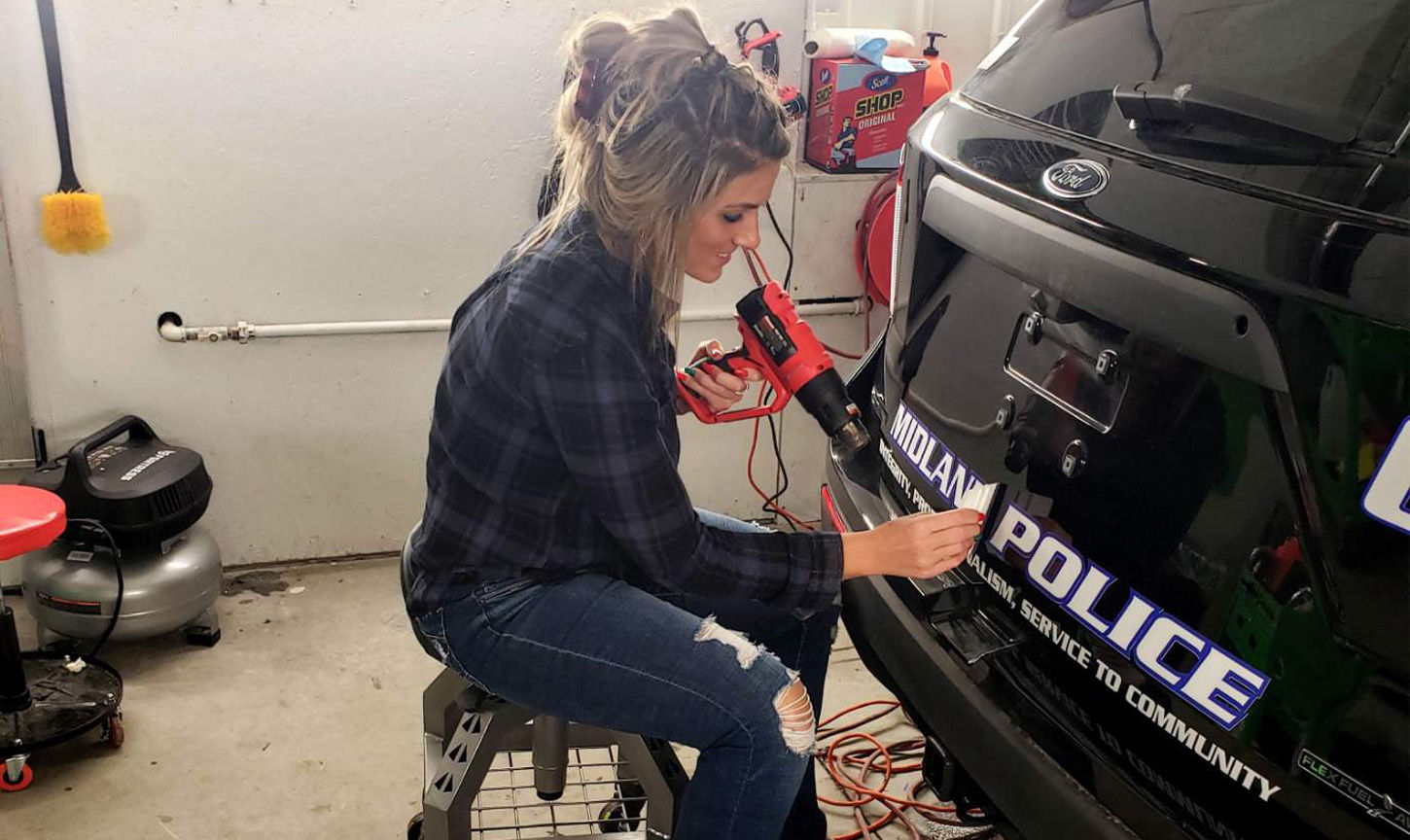

Signs & Graphics
Detailed colour matching, including brand logo colours, can be reproduced accurately and quickly to improve your productivity and profitability.
Wall Decoration
With the powerful performance of VersaWorks 7, even large size or complex wallcovering data with special effects such as textures can be output smoothly in high definition.
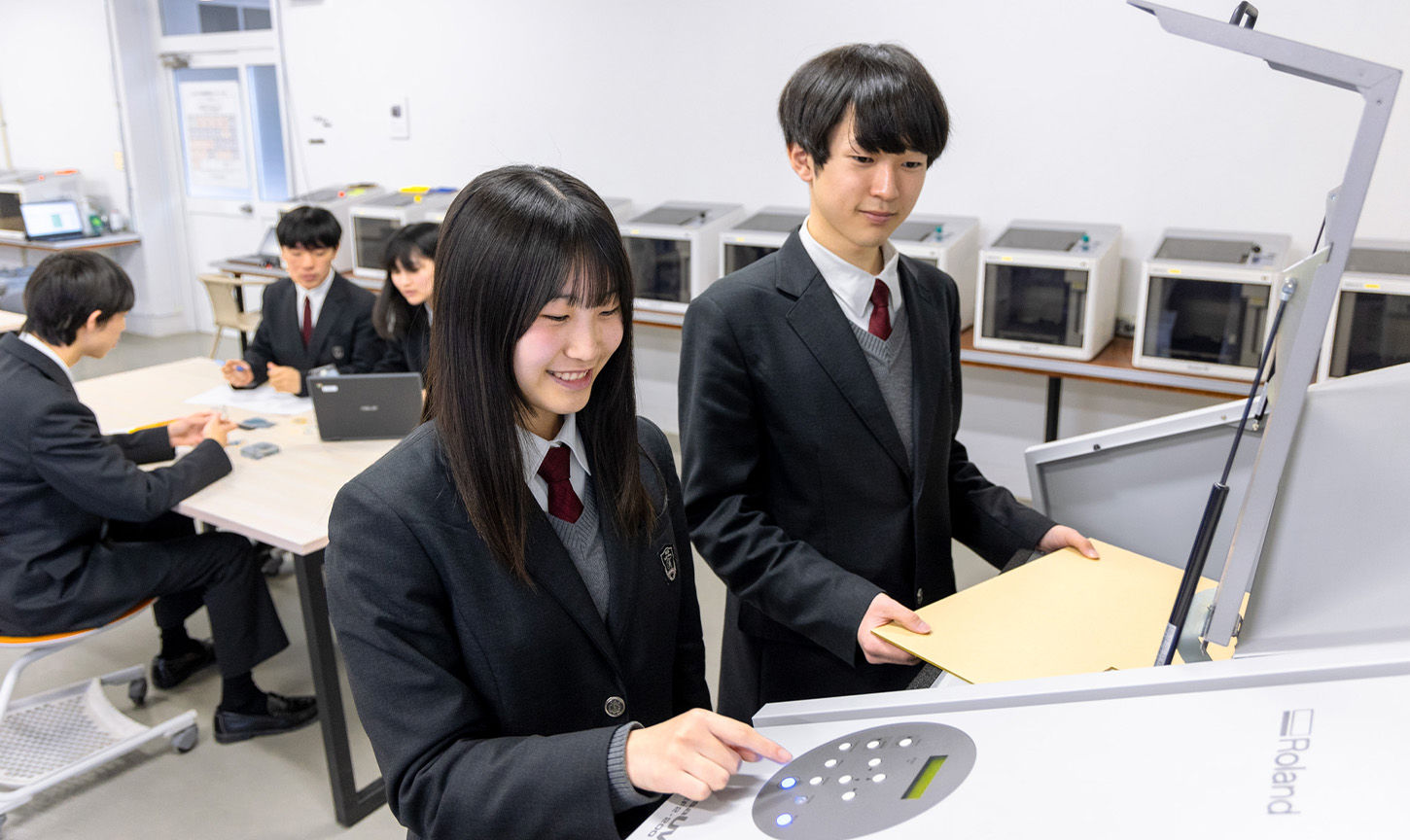
Retail, Education &Small Business Production
The software's simple interface allows even beginners to operate it intuitively without mistakes. It enables to use in retail stores, educational and small business environments with no printing experience required.
Met Your Match When It Comes to Colour?
Try VersaWorks 7 ColorMatch
For high-throughput environments and multi-device setups, ColorMatch paid features provide the tools to keep output consistent when conditions change. That means fewer reprints, smoother repeat orders, and more confidence when you add devices or shift production between printers.
Equalisation
Corrects colour changes as the printer ages, helping you keep repeat jobs consistent.
Emulation
Corrects colour differences between devices so the same job can be produced reliably across models or manufacturers.
Profile creation
Supports media profile creation to achieve quick and accurate colour on a wider range of materials.
New features
These new options add advanced tools to provide businesses with even greater control across time, devices and media.
- Object-level Colour Management: Improve colour quality on Raster Images and Vector Data (inc. text) individually.
- Variable data Field Template: Brings variable data into position guides, supporting barcoding, White and Gloss information.
- Flexible bleed and overlap margin settings support easy overlap positioning on items.
- Reference printing: Returns colour settings to a specific time reference for more consistent repeat output and aging correction.
- Colour matching between the same model, different models, and selected third-party devices.
- Media profile creation for new materials directly within VersaWorks 7
True Colour for All
VersaWorks 7 provides various tools and functions to make colour management simple and accurate, right from the RIP.
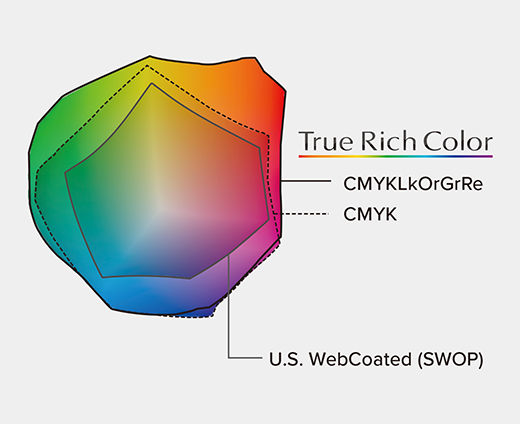
True Rich Color
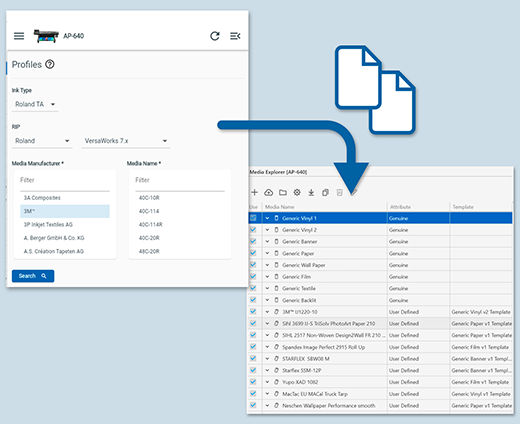
Media Profiles
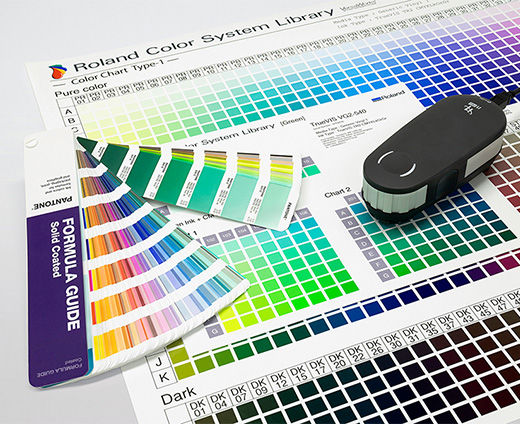
Spot Colour Settings
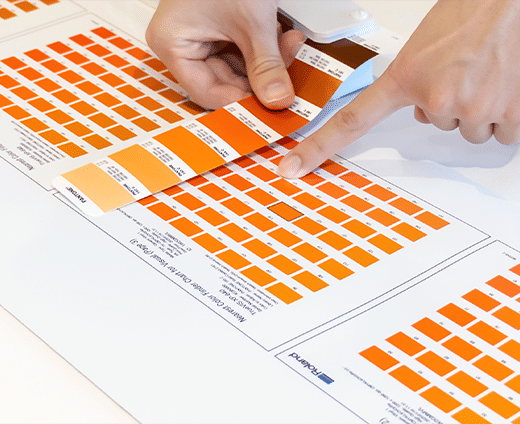
Nearest Color Finder
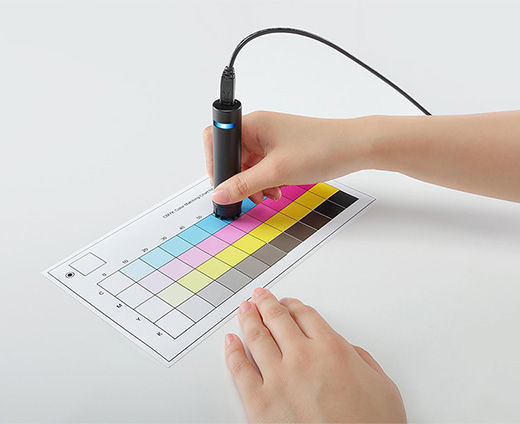
Colour Matching
Streamline Your Workflow
Work smarter, print with confidence, and save time every day.
VersaWorks 7 gives you practical tools that simplify setup, reduce mistakes, and keep your print jobs running smoothly, whether you are managing one task or many.
-

VersaWorks Remote
Send data to VersaWorks from anywhere with an internet connection and output files with the same confidence as if you were at the workspace.
FIND OUT MORE -

VersaWorks Backup
Securely back up VersaWorks settings and data to the cloud for smooth, protected operation, and quickly reprint jobs when needed.
FIND OUT MORE -

Extra Job Queue
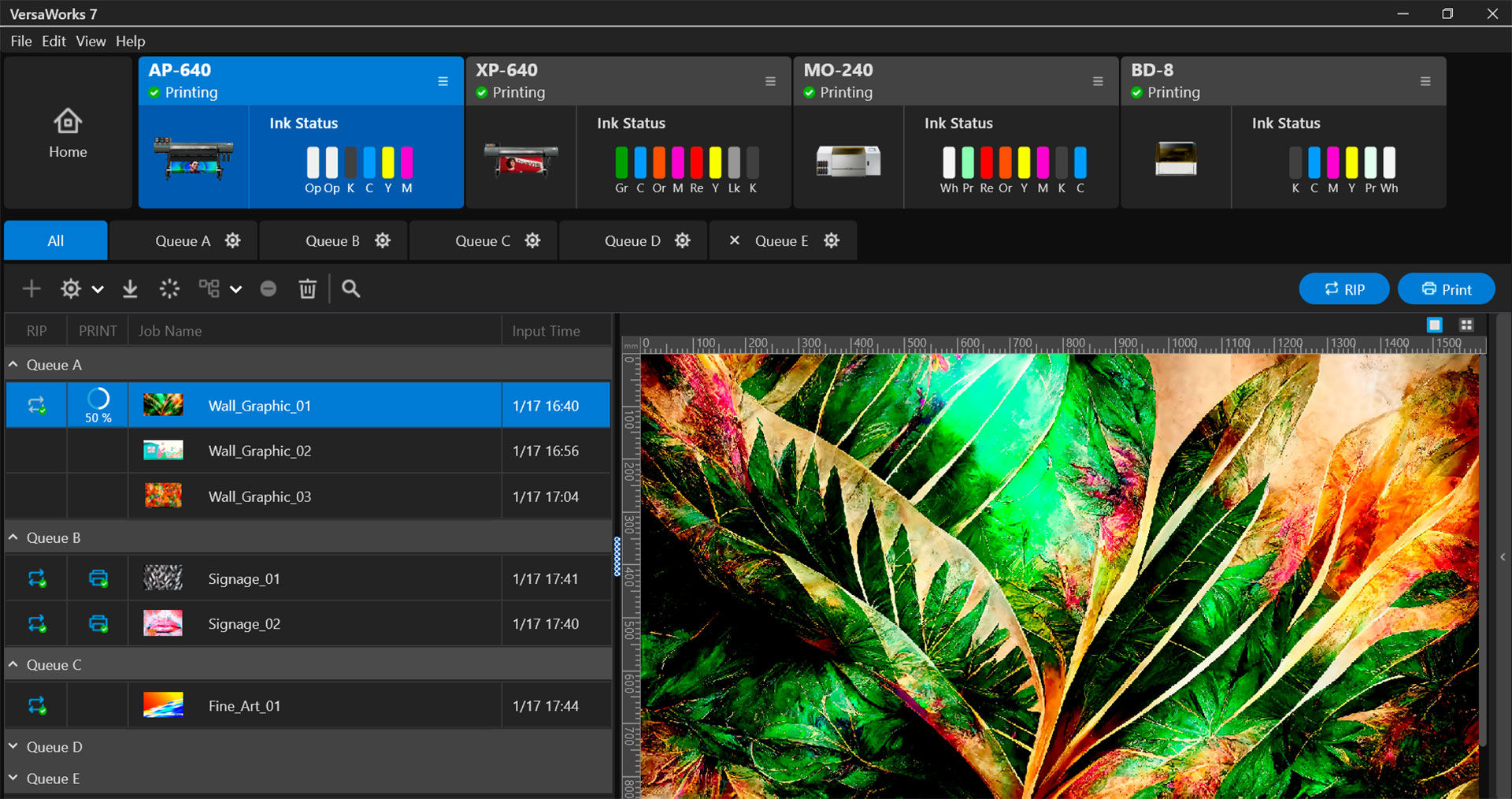
Expand your workflow with up to 20 queue folders, reducing setup time and helping you handle larger volumes with ease.
FIND OUT MORE
-

ColorMatch
Achieve consistent, repeatable color with a simple workflow inside the RIP, helping you maintain colour consistency over time and match output across printers.
-
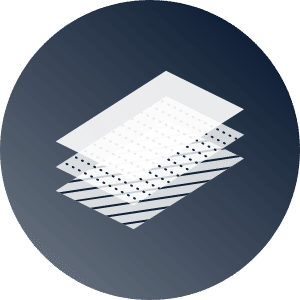
Special Colour Plate Generation
Special colour plates for white, gloss, and primer are automatically generated with a single button.
-

Job Assistant
Detailed adjustments are available in VersaWorks 7, such as special colour plates and layer settings for PDF data, and more.
-
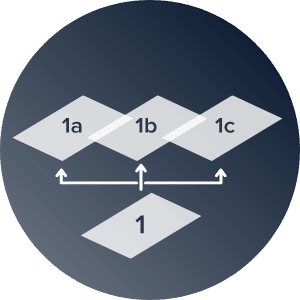
Generate Variation Job
Test-print multiple conditions such as print mode and colour balance adjustment simultaneously.
-

Light and Dark Mode
Two display modes can be switched to suit your preference and work environment.
-
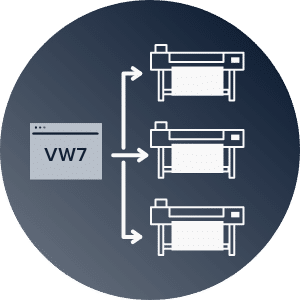
Multi Printer Operation
The status of multiple printers can be checked at a glance on the home screen.
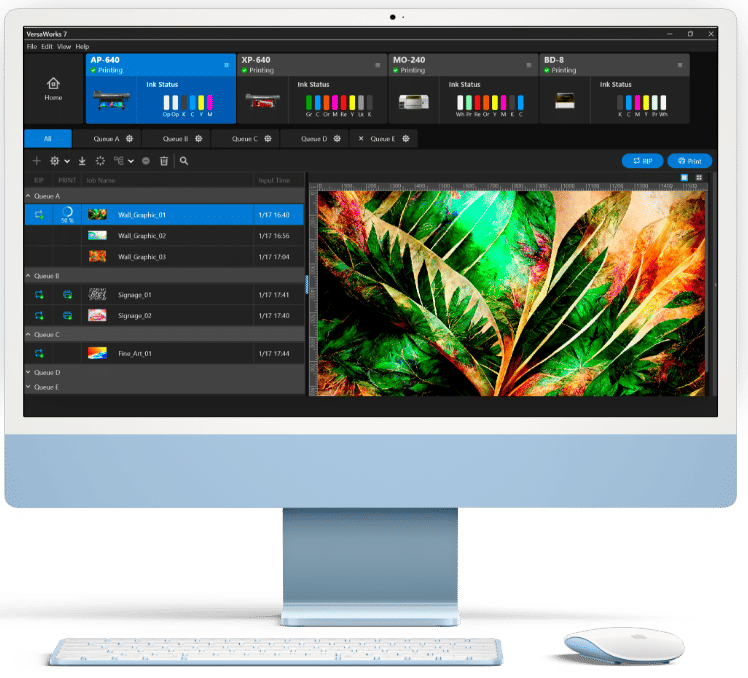
macOS Ready
In addition to Windows OS, VersaWorks 7 can be run natively in macOS, providing a stress-free output experience for macOS users.
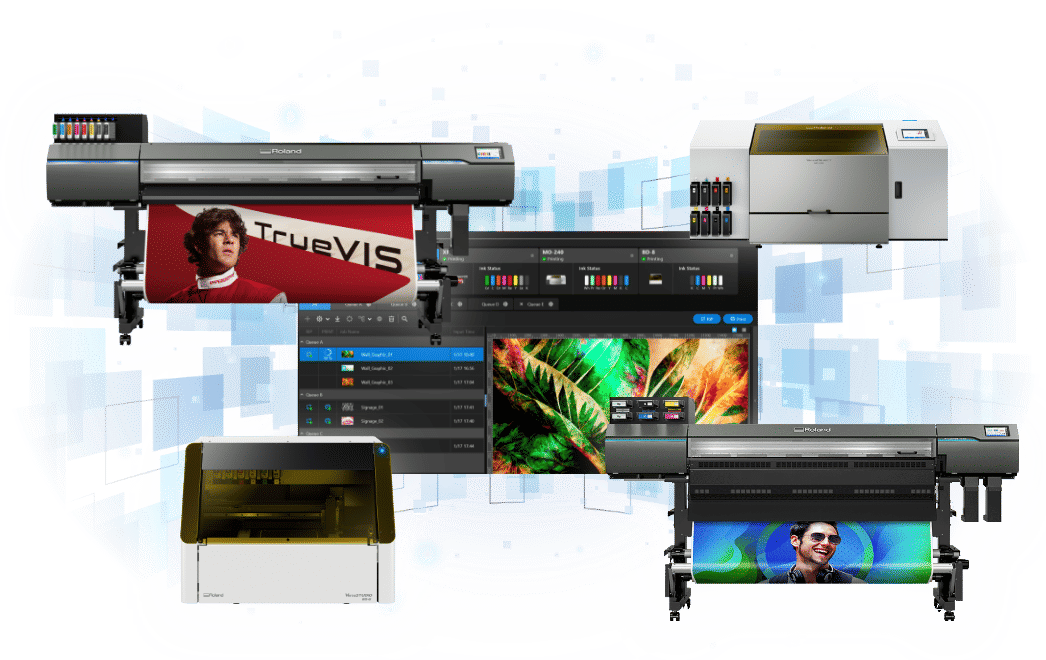
OutstandingProcessing Capability
Data processing capabilities have been significantly improved in VersaWorks 7. Compared to the previous model, memory usage capability has been increased by 62%, and RIP speed is now up to 3.9 times faster. Process of up to four data files and output up to four printers at the same time. VersaWorks 7 enables customers to print faster and in larger volumes, increasing efficiency, productivity, and profitability.
Customise YourVersaWorks 7 Experience
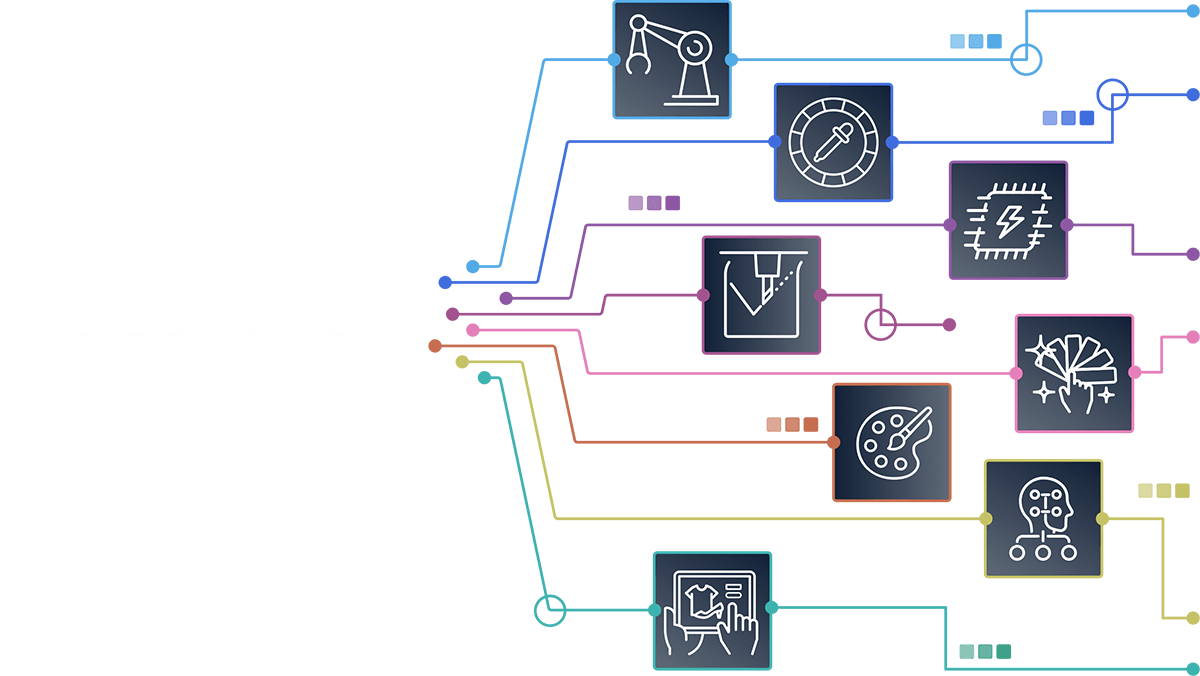
By adding various modules on top of basic functions, VersaWorks 7 can be customized to best fit your needs. A wide variety of modules that maximise efficiency and add value to your business will be available to choose from*.
*Features available in September.
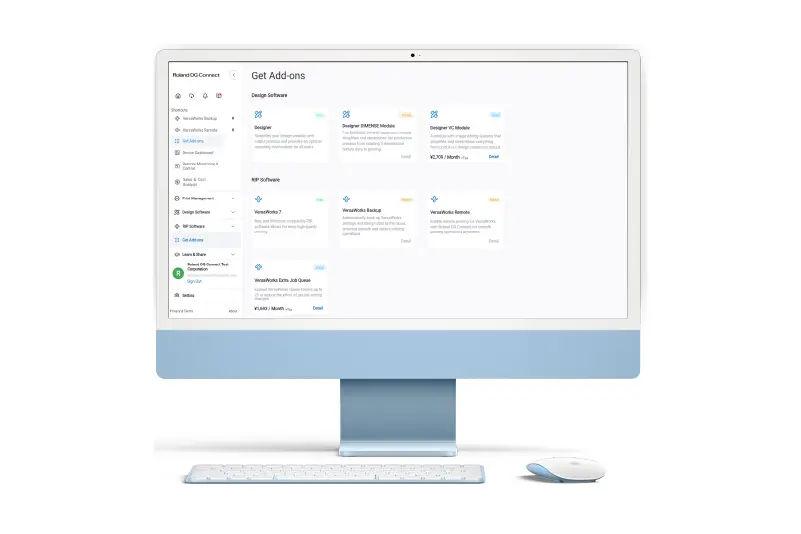
Do More with VersaWorks 7
Add-ons
Add-ons expand VersaWorks 7 with tools that make your print operation more reliable, efficient and secure. From protecting your job settings in the cloud to simplifying repeat prints and scaling up your workflow, add-ons give you the flexibility to work smarter and keep your business moving.
Discover More Add-ons on Roland DG Connect-

ColorMatch
Achieve consistent, repeatable colour with a simple workflow inside the RIP, helping you maintain colour consistency over time and match output across printers.
-

VersaWorks Remote
Send data to VersaWorks from anywhere with an internet connection and output files with the same confidence as if you were at the workspace.
-

VersaWorks Backup
Securely back up VersaWorks settings and data to the cloud for smooth, protected operation, and quickly reprint jobs when needed.
-

Extra Job Queue
Expand your workflow with up to 20 queue folders, reducing setup time and helping you handle larger volumes with ease.

Connect to Greater Possibilitiesto the Future
With Roland DG Connect, you get a total experience platform that supports your print operation and growth. Get the most out of VersaWorks 7, including updates, media profiles, job backups, business intelligence and more.
Get Started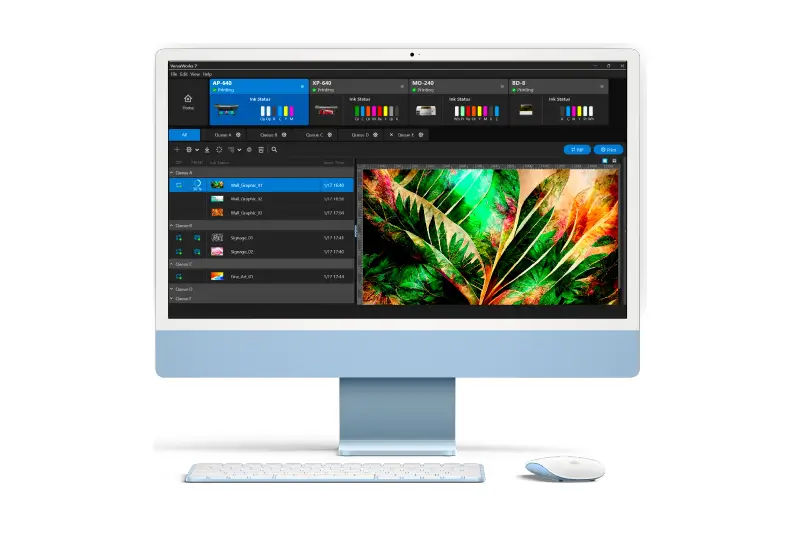
Download VersaWorks 7 Free
VersaWorks 7 comes bundled with your Roland DG printer. Download it today from Roland DG Connect and unlock professional RIP performance included with your device.
GET VERSAWORKS 7 FREEAvailable for:

The Best RIP for You
VersaWorks 7 is available for Roland DG users to download from Roland DG Connect. Unlock the full potential of your Roland DG devices.
 Get started for free, here.
 Additional Information
Specifications
| Compatible Devices | ||
|---|---|---|
| Printer/Cutters | Printers | Cutters |
| TrueVIS XG-640 | TrueVIS VF2-640 | CAMM-1 GR2, GR Series* |
| TrueVIS XP-640 | VersaOBJECT MO Series | CAMM-1 GS2-24, GS-24 |
| TrueVIS VG3, VG2, VG Series | VersaOBJECT LO Series | |
| TrueVIS SG3, SG2, SG Series | VersaOBJECT CO-i, CO Series | |
| TrueVIS LG Series | EU-1000MF* | |
| TrueVIS MG Series | VersaSTUDIO BD Series | |
| TrueVIS AP-640 | VersaSTUDIO BF-16* | |
| DGXPRESS ER Series | DIMENSE DA-640 | |
| DGXPRESS UG Series | SF-200 | |
| VersaSTUDIO BN2, BN* Series | SOLJET PRO 4 XF-640 | |
| SOLJET PRO 4 XR-640 | SOLJET EJ-640 | |
| VersaCAMM VS-i Series | VersaEXPRESS RF-640 | |
| VersaCAMM SP-i Series | VersaUV LEF2, LEF Series | |
| VersaUV LEC2, LEC Series | VersaUV LEJ-640 | |
| VersaSTUDIO BY-20 | Texart RT-640 | |
| TY-300 | ||
*Windows only
| VersaWorks 7 System Requirements | ||
|---|---|---|
| Windows | Mac | |
| Operating System | Windows 11, Windows 10 (64 bit) | macOS 15, 14, 13 |
| CPU | Intel Core i5-4670 | Apple Silicon |
| RAM | Minimum 8 GB RAM | |
| Free hard disk space | Minimum 128 GB | |
| Video Card, Display | 1280 x 1024 pixels or higher is recommended | |
| Other | Internet connection is required | |
A Roland DG Connect ID is required to use VersaWorks 7.