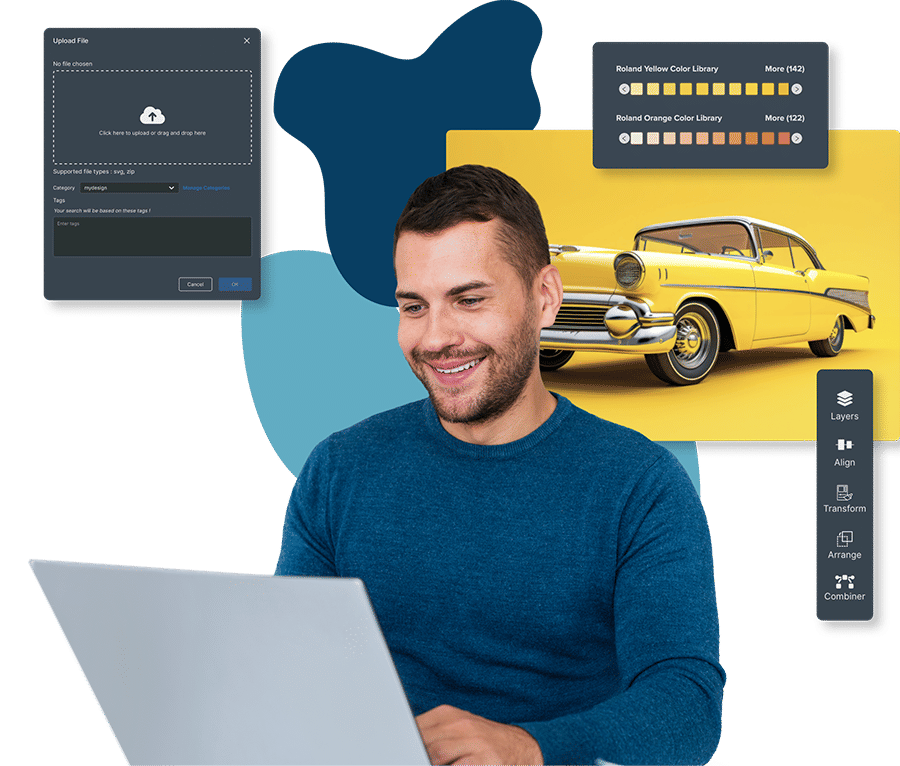
Roland DG Connect Designer
You're the Designer
Connect design and production the way you’ve always wanted with a fast, simple workflow in a fully integrated workspace
Get Started Today with a Free Plan
+ Get the DIMENSE Add-on Free for Your first 12 Months.
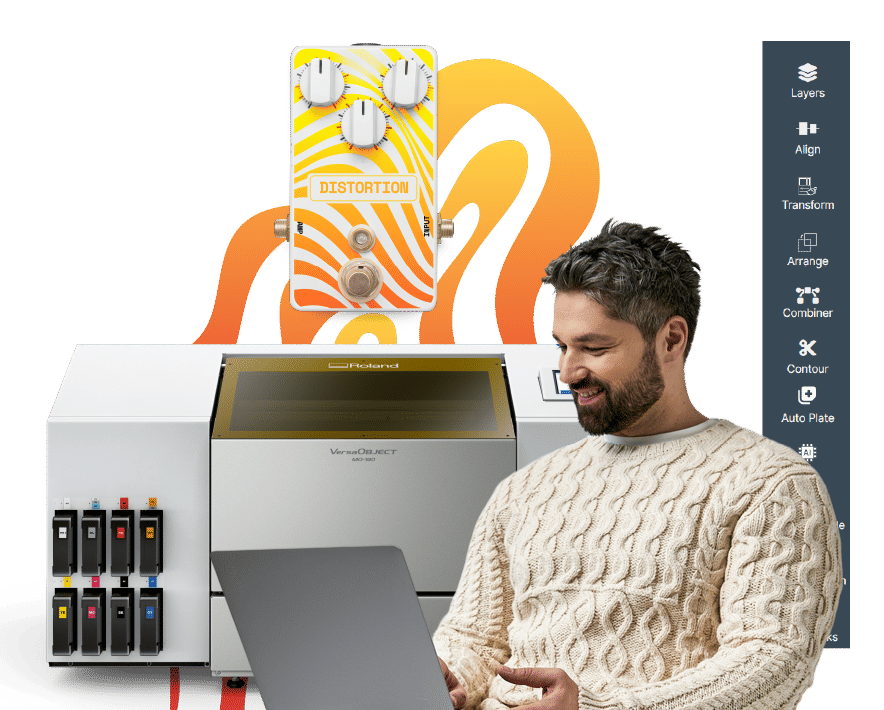
One Tool. One Workflow.
ZERO Disruption.
Create your design, build templates and layouts, apply device-ready settings automatically, and send straight to production.
Roland DG Connect Designer is designed around the way you work, giving you a single place to set up artwork, create templates and jig layouts - with straightforward tools and built-in resources like typefaces, shapes, and images to help you move quickly from idea to ready-to-produce files.
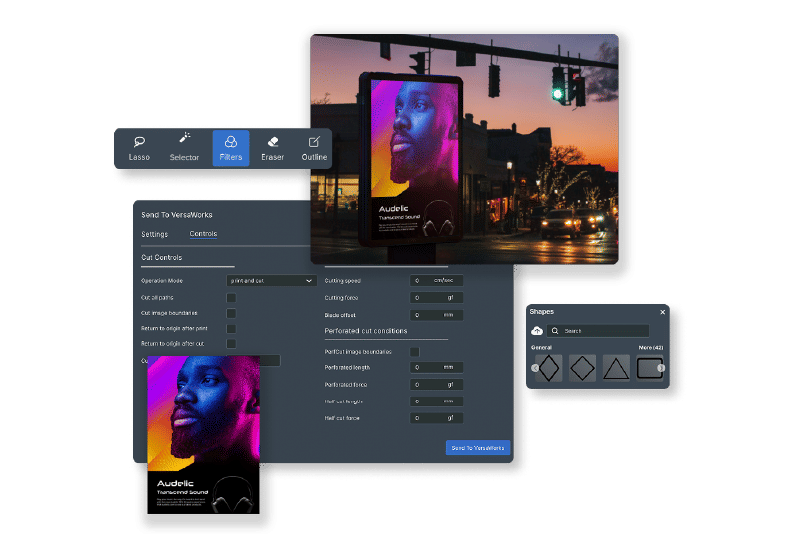
As you design, Connect Designer automatically generates device-ready settings to reduce manual setup. When you’re ready, send jobs straight to output, keeping your workflow smooth from first draft to finished print.
Get started in 3 easy steps!
Create and edit designs for production
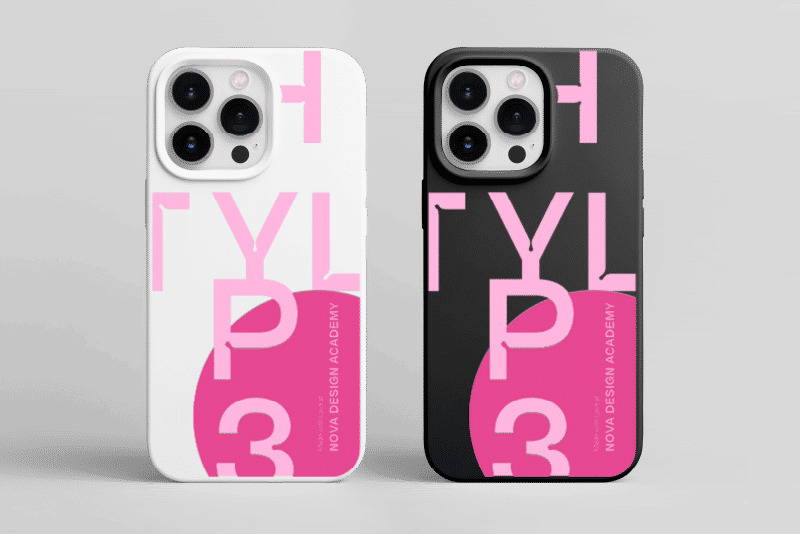


Not Just Design Software.Print-ready Files in No Time.
Most design tools stop at “looks good on screen”. Print businesses need the next part too: getting work ready for production quickly and reliably. Connect Designer helps you go from concept to output with fewer clicks, fewer handoffs, and fewer opportunities for costly mistakes. Whether you're a beginner or just looking for the quickest, easiest way to produce print-ready files, Connect Designer is the answer.
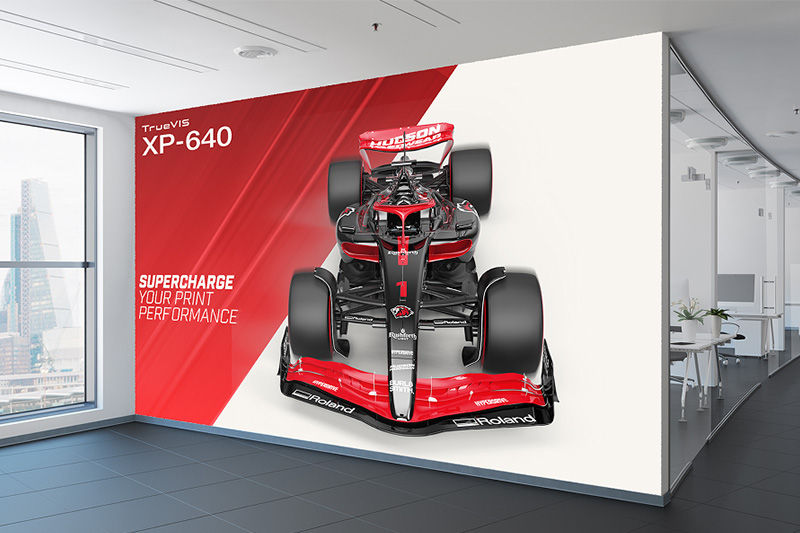
Unlock the Full Creative Potential of Your Printer
Apply printer-specific effects like embossing, spot UV, and more directly within your design files, unlocking the full power of your Roland DG Printer. Compatible with all Roland DG printers running VersaWorks 7.
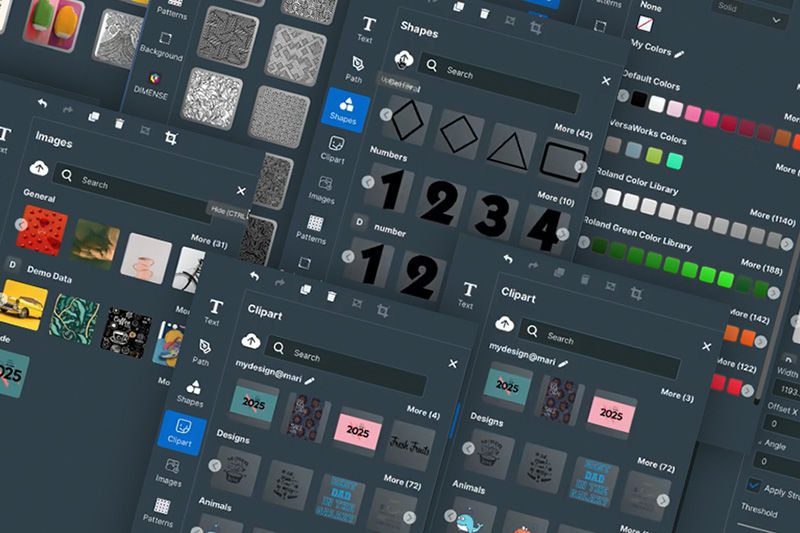
Easy to Use with a Built-in Asset Library
Designed for users of all levels, Roland DG Connect Designer includes a rich library of layouts, typefaces, illustrations, and drag-and-drop shapes - all optimised for print production.
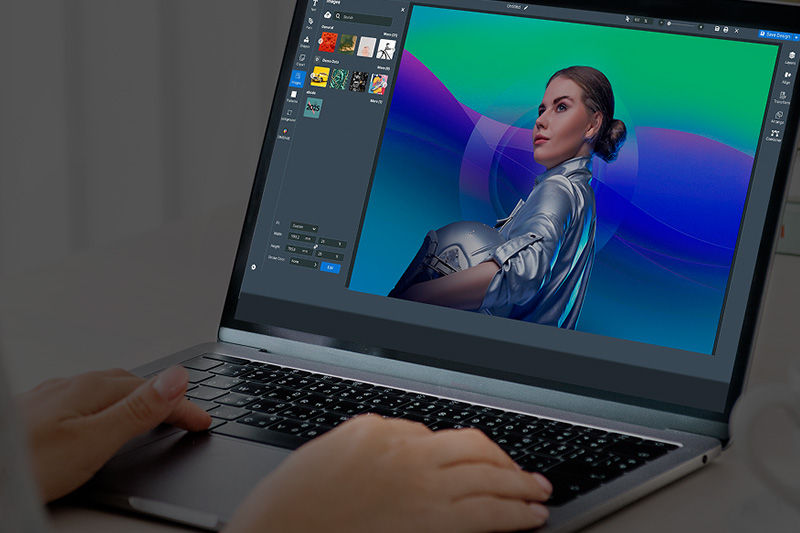
Print-Ready Files. No Extra Steps
Create design files that include detailed print settings - no file conversions or extra steps required. Compatible with all Roland DG printers running VersaWorks 7.
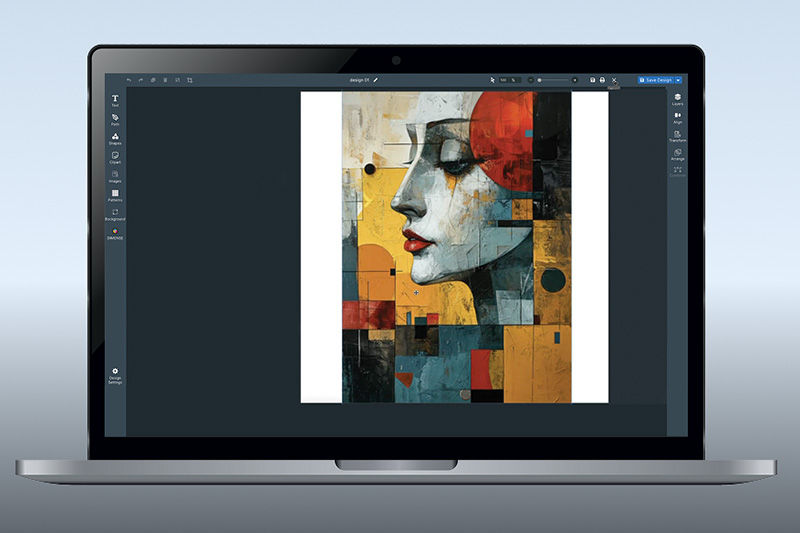
ADD Advanced options when you need them
Add on more advanced capabilities and printer-specific modules as you need them. Connect Designer adapts and expands to fit the needs of your business.
Compatibility with
Roland DG Printers
- Supports all Roland DG Printers running VersaWorks 7
- Supports the DIMENSE DA-640 with additional add-on
Explore New Add-Ons Made for Your Roland DG Printer
Visual Communication Module
Visual Communication Module: Fast and Easy Print-ready Files
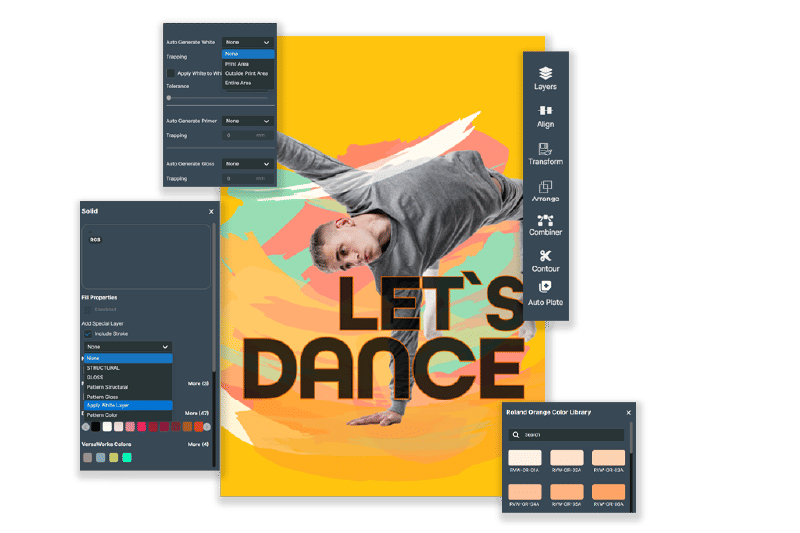
The Visual Communication Module - an innovative software tool available in Roland DG Connect Designer - makes it quicker and easier to design print-ready graphics optimized for a Roland DG device than ever before.
Whether you're turning an image into a vector, editing an SVG, adding cut lines, removing backgrounds from images or any number of other design tasks, this is the tool you need.
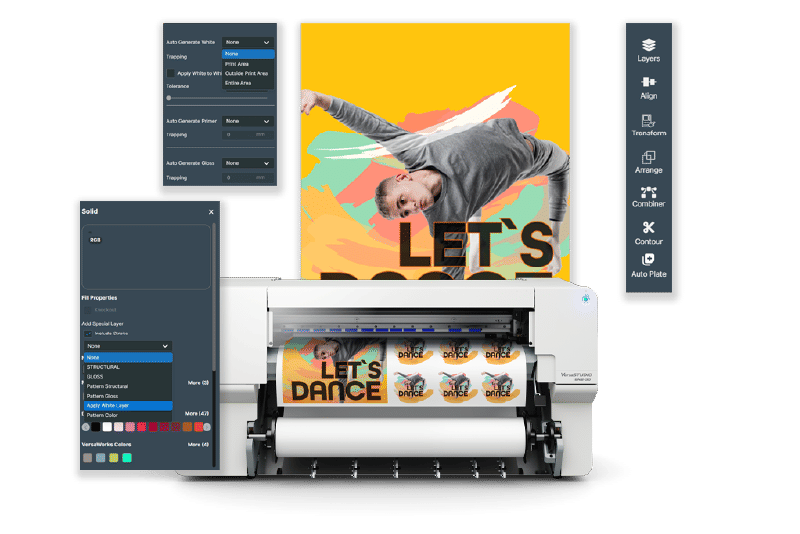
Connect Designer x
Visual Communication
Go from design to print-ready output - all in one seamless workflow.
Set the Size of Your Artboard
Choose the size of the print you want to create.
Design in Connect Designer
Add elements, type or remove backgrounds with a single touch.
Vector Section Features
- SVG Editing: Convert and edit SVG objects — currently supports group editing only.
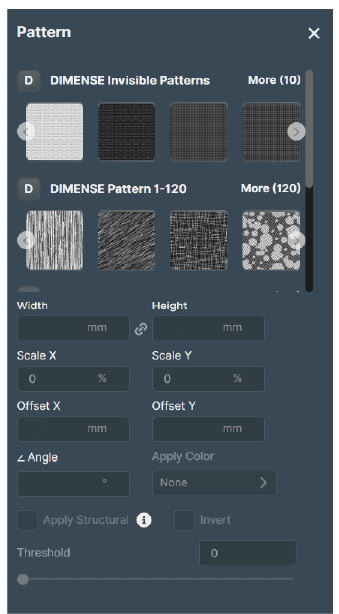
- Edit Vectorised Images as SVG: Edit vectorised images as SVGs, enriched with Roland Special Colours and Patterns.
- Special Layer: Quickly assign a secondary layer with Roland Special Colours or Patterns.
Raster Section Features
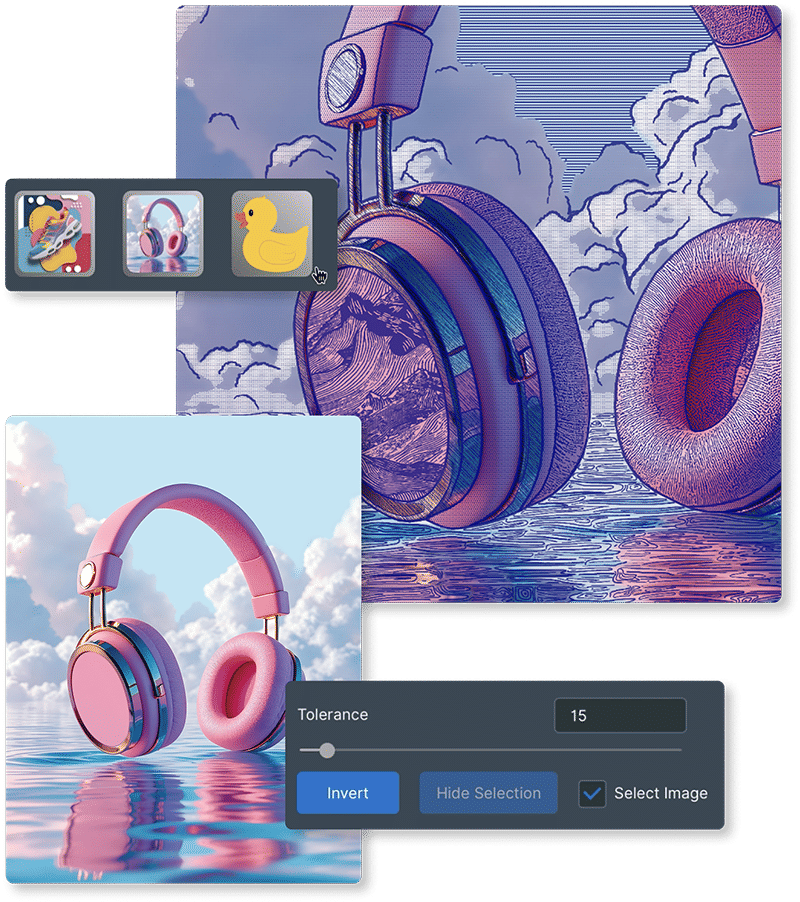
- Image Editing - Background: Easily remove image backgrounds.
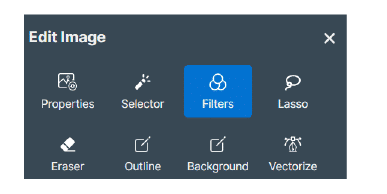
- Image Editing - Filter: Quickly convert images to black and white or apply edge detection.
- Image Editing - Convert to Gray Scale: Adjust brightness and contrast, and reduce dust or scratches.
Print Directly
Send jobs straight to your Roland DG device with no reformatting or exporting.
Object Decoration Module
Object Decoration Module: Easily Position Artwork for Object Printing
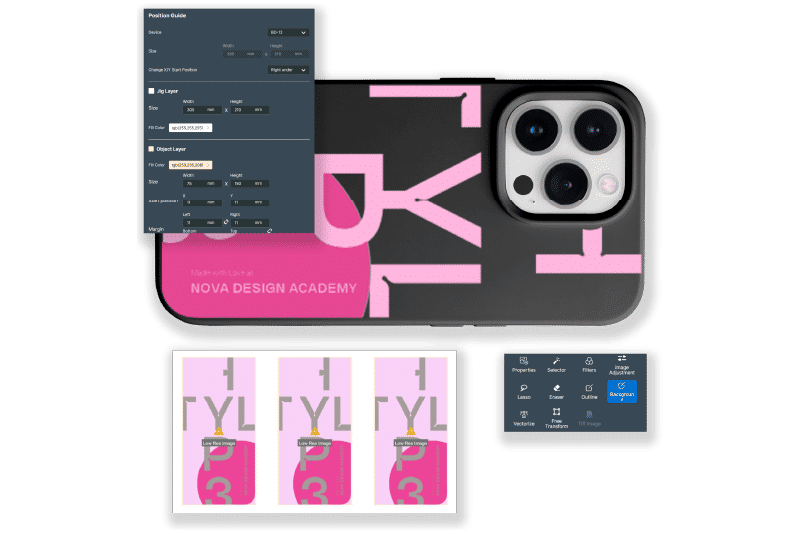
The Object Decoration Module helps you design and prepare print-ready graphics for direct-to-object production with greater speed and confidence.
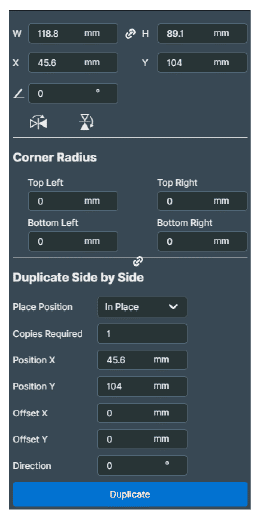
It streamlines the repetitive steps that typically slow object personalisation down, making it easier to position artwork accurately with the use of Position Guides, work efficiently across multiple items, and reduce trial-and-error before output - so you can move from setup to production with fewer manual adjustments.
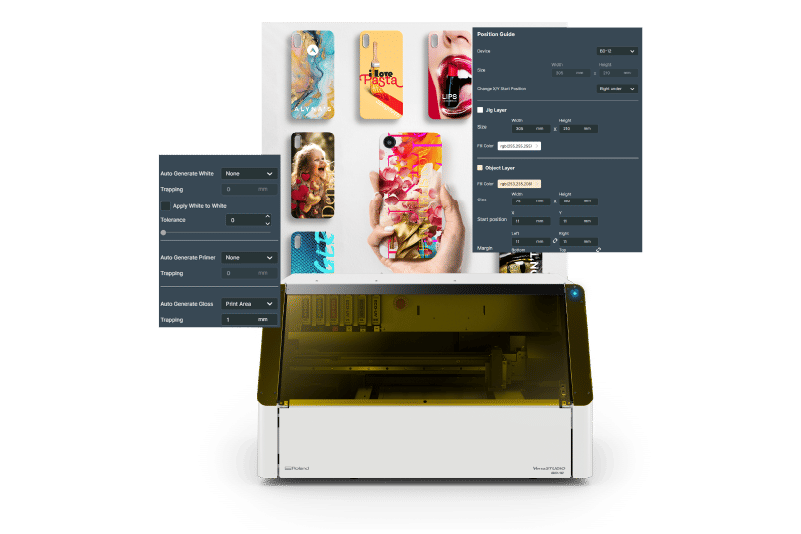
Connect Designer x
Object Decoration
Create eye-catching, repeatable designs that are ready to print straight away.
Set the Size of Your Artboard
Choose the size of the print you want to create.
Design in Connect Designer: Object Designer
Add elements and special layers with a single click.
Vector Section Features
- SVG Editing: Convert and edit SVG objects - currently supports group editing only.
- Edit Vectorised Images with Roland Special Colours, Patterns and Special Layers.
- Special Layer: Quickly assign a secondary layer with Roland Special Colours or Patterns, such as high-opacity White ink and Gloss.
Raster Section Features
- Add Special Layers: Add a Gloss or White ink layer behind image, as well as on top, with one click.
- Image Editing - Background: Simplified removal of image backgrounds.
Jig Features
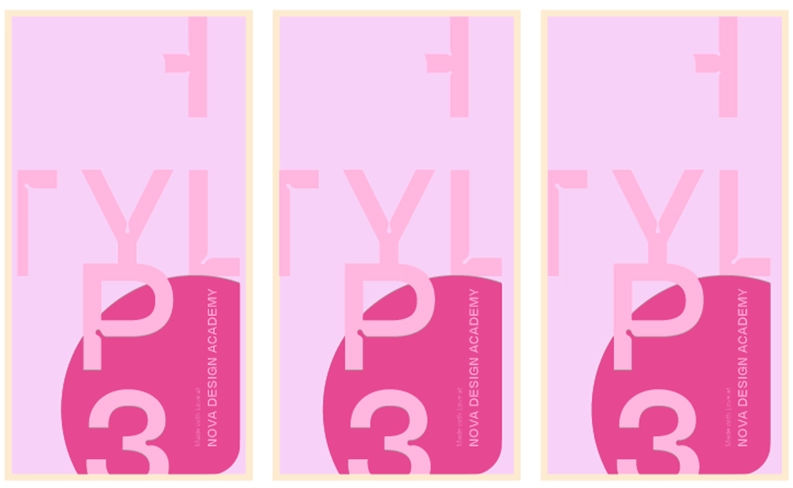
- Create Position Guide: No need to set the Zero point. Quickly set up your jig position, along with object dimensions, and save template for future use.
- Convert to Position Job: Add your artwork to the correct position in your Jig.
- Print Position Guide: Print object box only as a position guide.
AR Picture - BD Series
- Take a picture of your object positioned on your BD Series printer and upload it via mobile app. AR Picture will determine the correct dimensions for you to create your designs in Connect Designer.
Print Directly
Send jobs straight to your Roland DG device with no reformatting or exporting.
DIMENSE Module
DIMENSE Module: Add Dimension to Your Designs
Bring your designs to life with texture and depth.
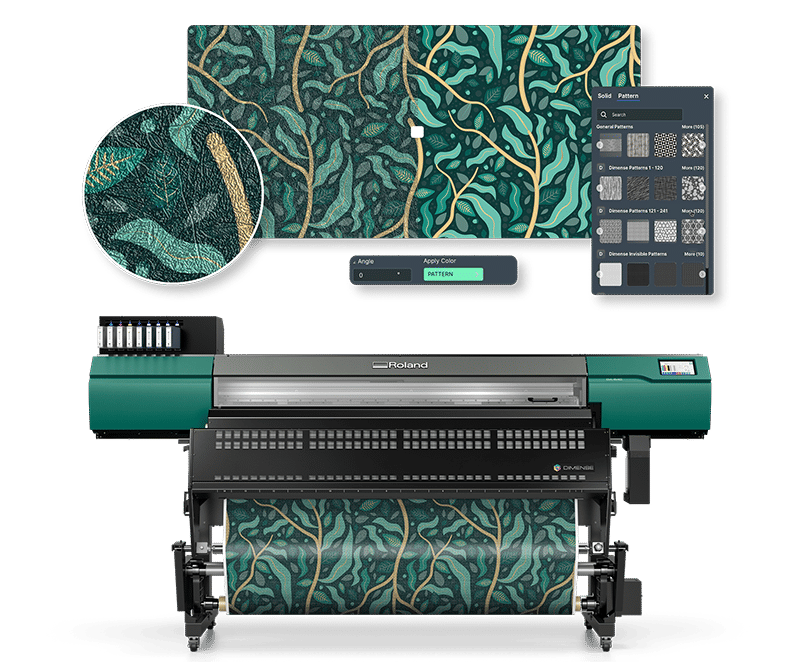
The add-on DIMENSE Module brings tactile dimension to your prints - from subtle texture to bold embossing.
Fully integrated into Roland DG Connect Designer, it guides you through five simple steps to apply, preview, and output structured effects. No extra tools or external software needed.
The DIMENSE add-on is free for your first 12 months with the purchase of a new DA-640.
Connect Designer x
DIMENSE
See how easy it is to go from design to dimensional output — all in one connected workflow.
Set the Size of Your Artboard
Choose the size of the print you want to create.
Design in Connect Designer
Add elements, type or remove backgrounds with a single touch.
Apply Embossing Effects
Activate dimensional textures using built-in presets or upload your own.
Visualise in 3D
Use the integrated Visualiser to preview embossing depth, adjust details, and get a
realistic view
before printing.
Print Directly
Send jobs straight to the DIMENSE DA-640 with no reformatting or exporting.
FAQs
Do I need VersaWorks 7?
Connect Designer supports Roland DG devices running VersaWorks 7. If you’re not on VersaWorks 7 yet, check compatibility and upgrade options first.
What’s included in Core?
Core gives you the essentials to create and prepare jobs for production in the supported workflow. You can add modules later for more specialised capabilities.
Are the modules required?
No. Core is your starting point. Modules are optional upgrades designed for specific production needs, like Visual Communication workflows or DIMENSE output.
I already use other design software. Can I still use Connect Designer?
Yes. Many businesses keep their current design tools and use Connect Designer to streamline the steps that matter most for production and output.
How do the offers work?
For both the Visual Communications and Object Decoration Modules, new users can access premium features for 3 months. The DIMENSE Module is free for 12 months with a new DA-640 purchase. Check the offer details for terms.